
The job stays connected while different people do their part.
Technicians, supervisors and planners do not need the same screen or the same role. They need the same job to stay current as work moves through the operation.

Technicians update job status and progress from the floor.
Record work performed, progress, the next step, material needs, holds, notes and supporting information while the job is active.
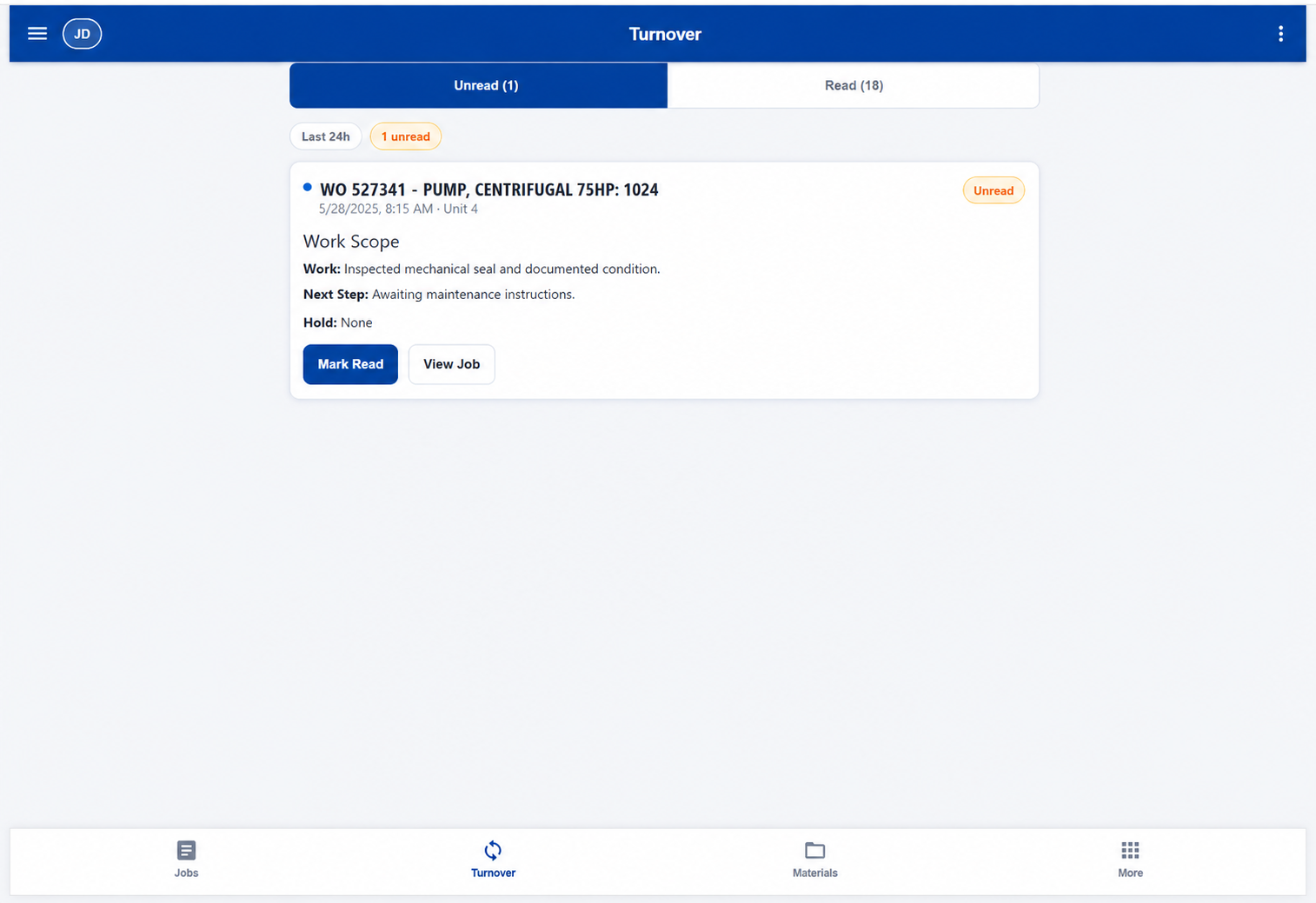
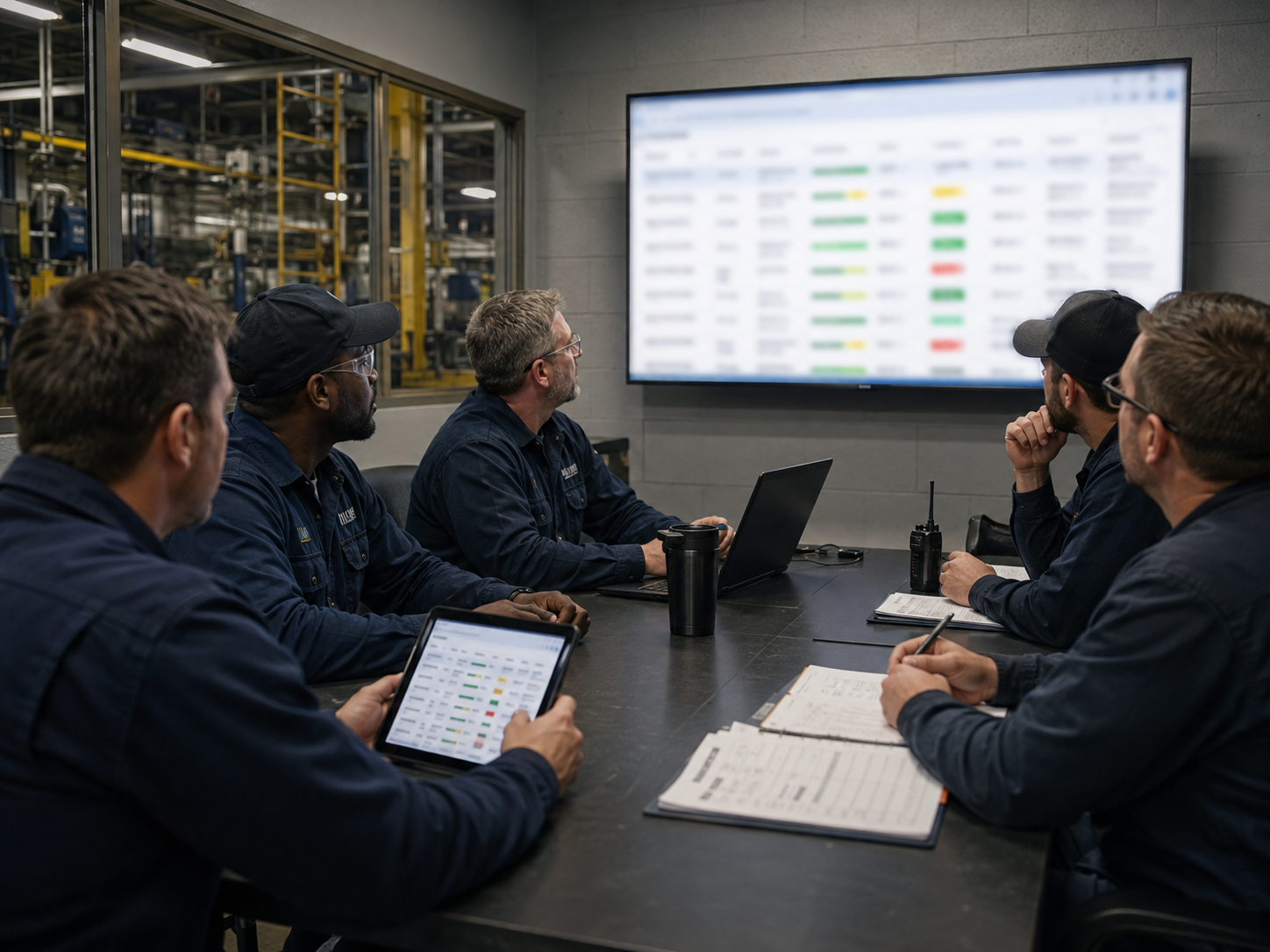
Supervisors review current work, priorities and handoff status.
Open jobs, phases, target dates, crews, holds and next actions stay visible during the meeting so the team can focus on priorities, support and decisions.

Planners follow job changes while they can still act on them.
Job status, material dependencies, target dates and ready-to-resume work become visible as the operation progresses.
When the component moves, the job record moves with it.
Long-running work does not stop being a job because a component leaves the building, waits on repair or arrives back at receiving.
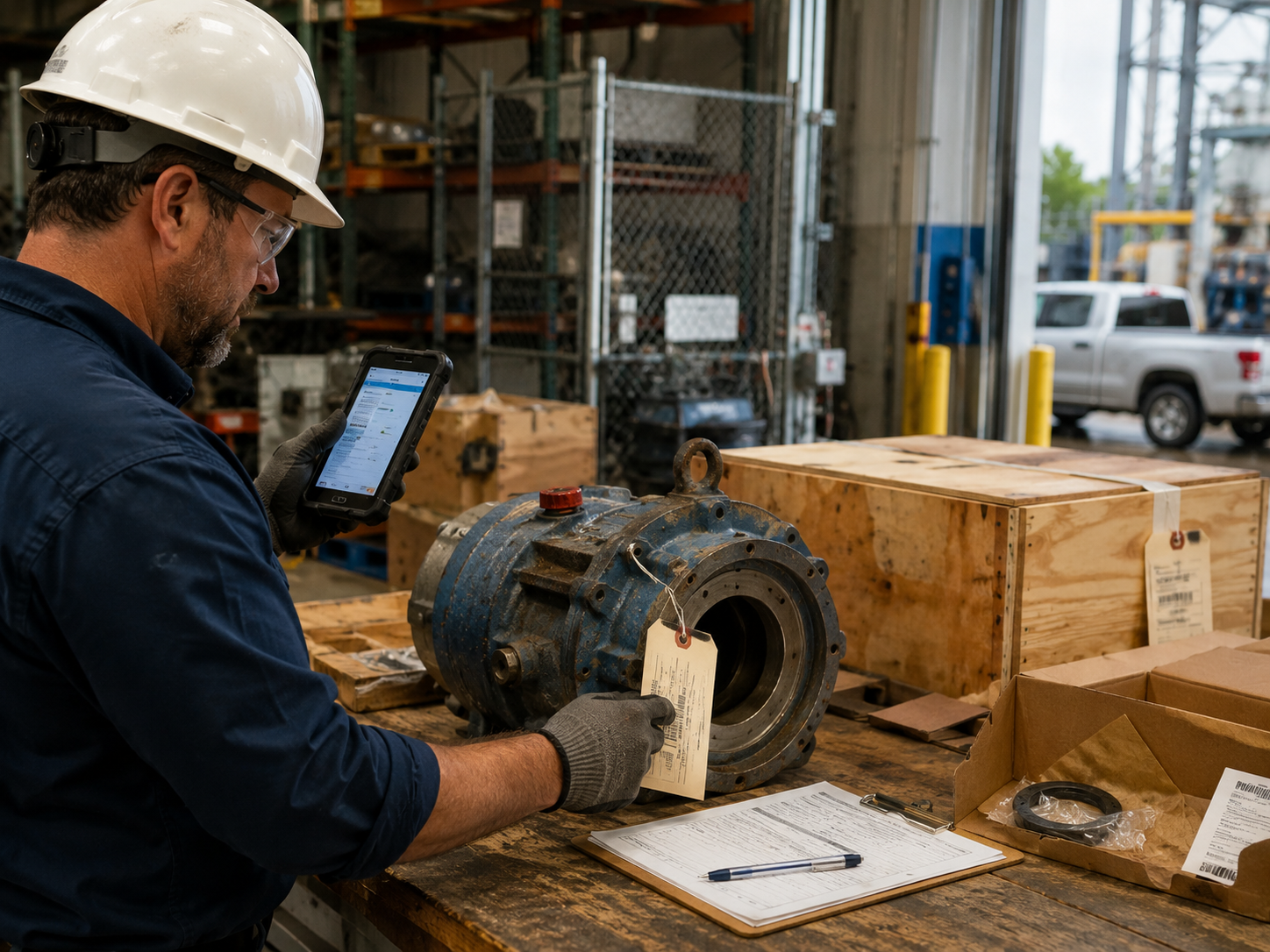
Send the component out for external repair.
Keep repair state, vendor activity and the next dependency connected to the job while the component is away.

Record arrival and make the next step visible.
Update the material state so supervisors, planners and crews can see that the job can move forward.

Close the job and notify the people who need the update.
Retain operating history and use configured closeout notifications when work is completed.
Built to fit into the work chain you already have.
MCAM Workflow can operate as a focused operations platform or be customized to exchange the appropriate operational data with established business and maintenance systems.
What talks to what is decided in the deployment. We do not imply a packaged connector unless it is in scope.
Built for operations where work crosses shifts, people and parts.
Choose a Workflow deployment, or walk the screens first.
Multi-factor authentication is required for administrator/operator access. You’ll need a standard authenticator app during account activation.